
5 Best No-Contract Internet Plans in Alabama for Work-From-Home Families
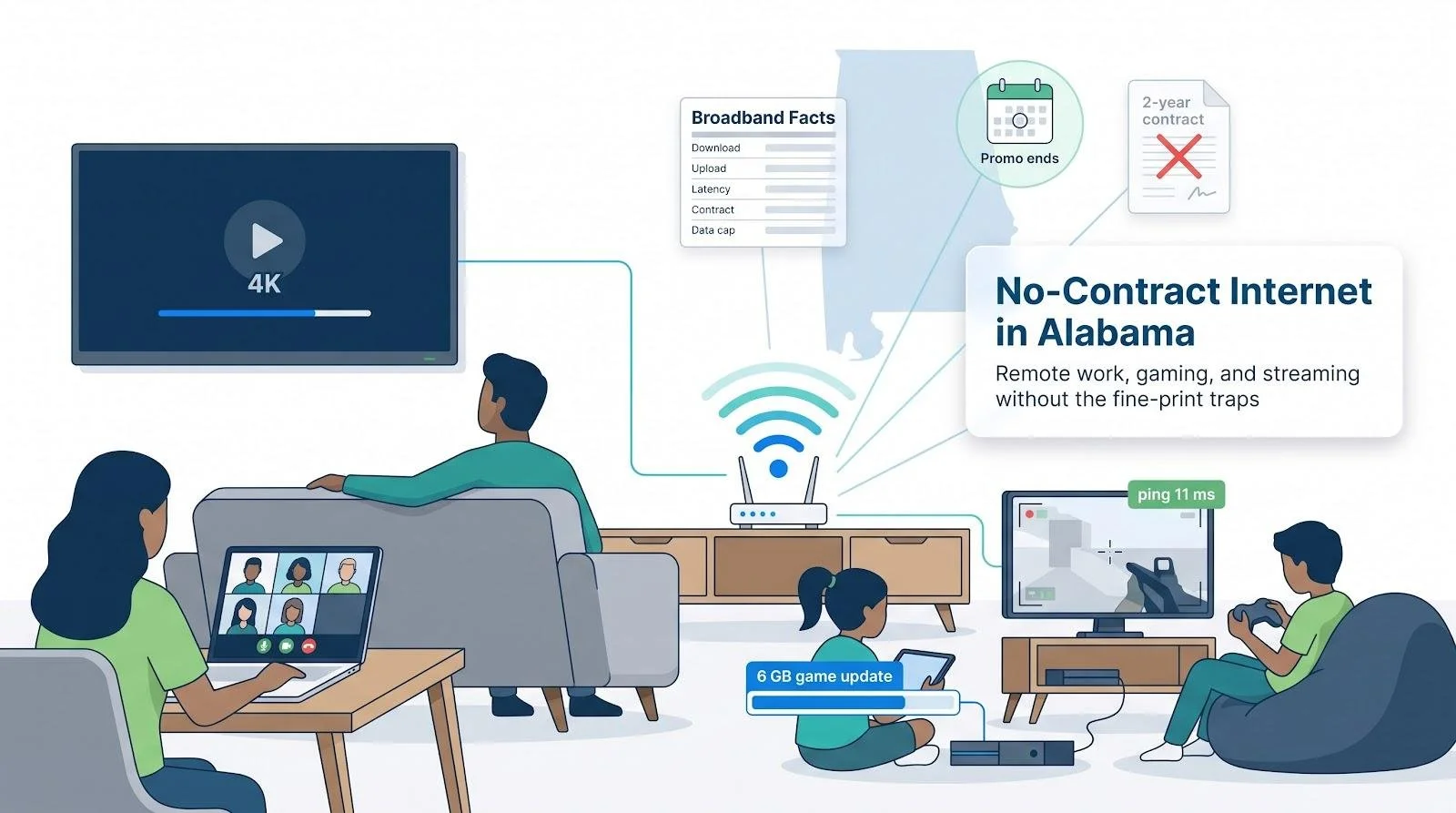
Your home internet should keep up with family chaos—not add to it. Picture tonight: one parent on a Zoom call, another queuing a 4K movie, while two kids download a 6-GB game update. Everything freezes. The problem usually isn’t raw speed; it’s hidden fine print—a promo rate that just expired or a contract that locks you in when service slips. We compared five no-contract internet plans in Alabama, digging through each provider’s Broadband Facts label and two-year cost so you can switch anytime, penalty-free.
The best no-contract internet plans in Alabama at a glance
Before we dig into each provider, the table below compares the five standouts side by side. Confirm the Broadband Facts label that appears at checkout for your exact address, since fine-print differences can change the ranking.

† Prices confirmed October 14, 2026, before taxes or fees.
Drops to $35 when you have a qualifying T-Mobile voice line.
‡ Typical performance pulled from each provider’s Broadband Facts label or WhistleOut Alabama feed.
Treat these figures as starting points. The checkout label is the final word on speed, price, and equipment.
1. WOW! Internet 300: best low-cost wired option in Dothan
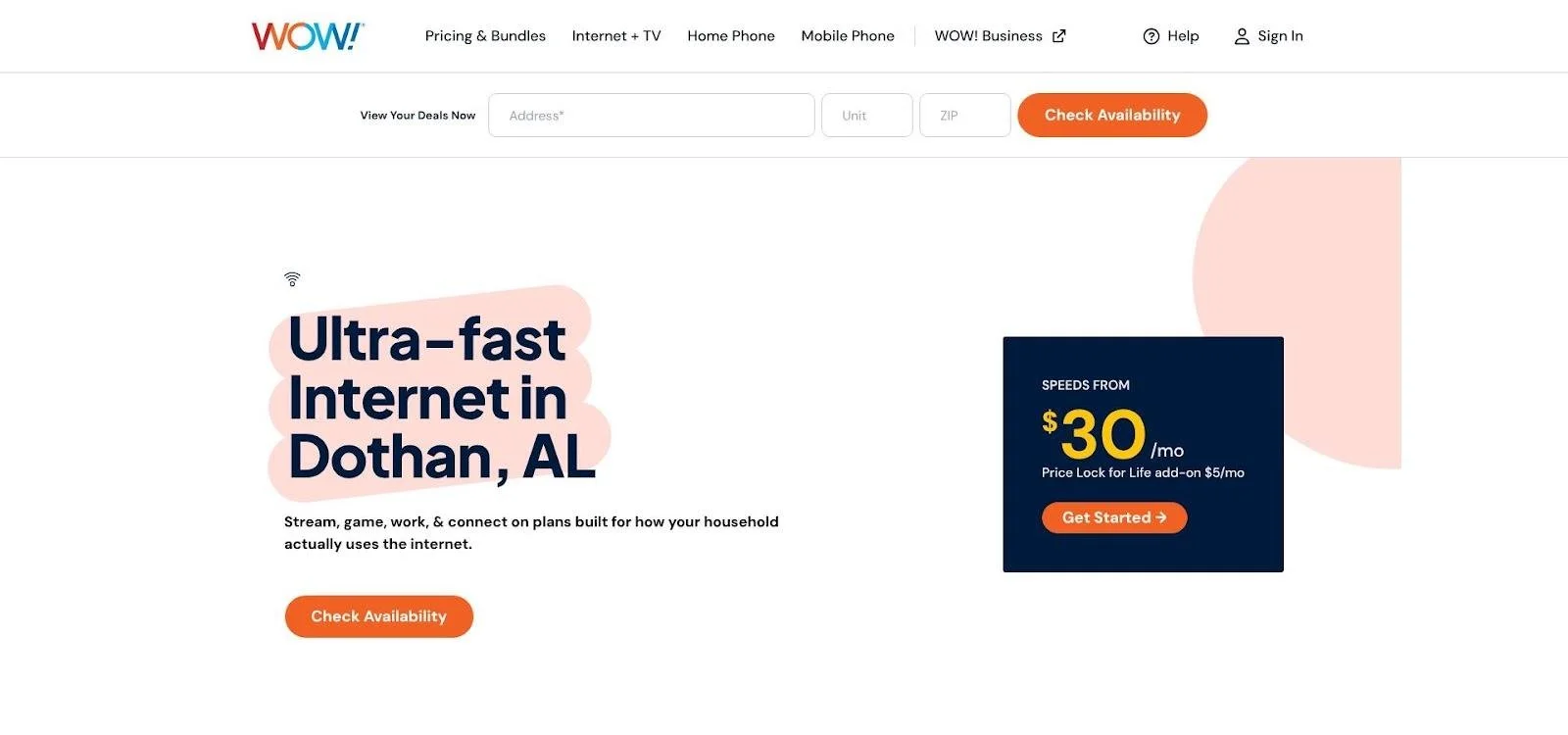
You can also opt for the $5 per month Price Lock for Life add-on advertised on WOW!’s site to freeze the base rate for as long as you remain a customer. Before you order, open WOW!’s Dothan, AL home internet provider page to confirm that option appears for your address and to download the Broadband Facts PDF for your exact street.
Plan snapshot
Live in Dothan or another Wiregrass neighborhood? WOW!’s entry-level 300 Mbps cable tier is the cheapest no-contract wired line we could confirm. The local checkout page shows $25 a month, Wi-Fi modem included, plus a free self-install kit. Faster 600 Mbps, 1 Gig, and 2 Gig tiers exist, yet this plan already delivers about 356 Mbps down / 24 Mbps up in third-party tests, which is enough to keep Zoom, Disney+, and a 4K stream running. You can add a $5-per-month “Price Lock for Life” that freezes the base rate for as long as you stay. Families in the Wiregrass can check WOW!’s provider page to see the exact Broadband Facts label for their street.
Why it works for a busy household
Stretches the budget. Twenty-five dollars covers a speed tier many cable rivals price at $60. No separate modem rental simplifies the bill.
Punches above its label. Independent feeds clock roughly 356 / 24 Mbps with ~11 ms latency, plenty for a parent’s video call, a Fortnite match, and a movie night at once.
Truly unlimited data. No caps mean kids can binge 4K without surprise fees.
Gear is included. Skips the common $14 router charge.
Heads-up before you order
Uploads sit at roughly one-tenth of downloads, so large Drive backups finish slower than on fiber.
The price lock costs $5 each month; it only pays off if the base rate rises by more than $120 over two years.
Always screenshot your Broadband Facts label, because some streets still list an install fee or older modem.
Remember that cable bandwidth is shared, so run a latency test on a Friday night while you are in the 30-day money-back window.
2. AT&T Fiber 300: best overall for remote-working parents
Plan snapshot
Cancel any time and still keep symmetrical fiber speeds. AT&T’s entry tier costs $50 per month with AutoPay and paperless billing. The Broadband Facts label for a Birmingham test address shows 396 Mbps down, 385 Mbps up, ~10 ms latency. Installation is usually free, the gateway is included, and over two years you will pay $1,200 before taxes. The plan has no contract, no data cap, and no early-termination fee. Return the gateway if you cancel; otherwise AT&T bills a $150 non-return charge.
Why it suits remote-working parents
Symmetrical uploads keep HD meetings smooth. Both parents can present on Zoom while OneDrive syncs in the background.
Latency stays low. Ten-millisecond pings feel instant for Slack, gaming, and VPN logins.
Targeted reach across Alabama. FCC data show AT&T Fiber available to roughly 36 to 49 percent of Alabama addresses, wider than any other fiber build except a few co-ops.
Predictable billing. No promo cliff in month 13, and the gateway fee is already included; AutoPay is a discount most families already use.
Watch-outs before you click “Add to cart”
Check your exact street. Houses across the same cul-de-sac can see different tech. Screenshot the Broadband Facts label that appears at checkout.
Return gear fast. The $150 non-return fee is strict, so drop the gateway at UPS and keep the receipt.
Plan for Wi-Fi coverage. The included gateway reaches about 1,500 sq ft; many two-story homes need an All-Fi extender ($10 per month).
3. GFiber Core 1 Gig: best for gaming and heavy uploads in Huntsville
Plan snapshot
Symmetrical gigabit speed without a promo clock. For $70 a month, GFiber’s Core tier delivers 1,000 Mbps down / 1,000 Mbps up, a Wi-Fi 6E router, and free pro install, with no contract, data cap, or price hike since 2012. Typical latency sits near 13 ms, fast enough for competitive shooters. Over two years you will pay about $1,680 before taxes, equal to $0.07 per advertised Mbps.
Why gamers and creators love it
Instant response. Sub-15 ms pings keep Valorant headshots and Twitch chats in real time.
Uploads match downloads. A 15-minute 4K video can reach YouTube in under two minutes, even while someone else patches Fortnite.
Future-proof Wi-Fi 6E gear. Laptops on the 6 GHz band routinely pull around 800 Mbps, so updates and backups do not collide.
Watch-outs before you speed-run to checkout
Footprint is tiny. GFiber serves only pockets of Huntsville; one block may qualify while the next waits for trench crews, so screenshot your address check.
Gigabit is overkill for many homes. Phones and tablets rarely top 600 Mbps on Wi-Fi; AT&T Fiber 300 costs $20 less if you do not need bragging rights.
Router placement still matters. Two walls and 35 ft can drain 6 GHz signals; ask your installer for a free mesh node if speeds sag upstairs.
4. T-Mobile Rely 5G: best plug-and-play plan with a predictable bill
Plan snapshot
Unbox, plug in, and lock your price for five years. T-Mobile’s fixed-wireless Rely plan costs $50 a month with AutoPay, or $35 when you bundle an eligible phone line. That single fee covers 5G data, a Wi-Fi 6 gateway, and free shipping. Over two years you will pay $1,200 standalone or $840 bundled. The five-year price guarantee means the number on your bill will not jump in month 13. Typical performance lands between 170–354 Mbps down / 12–55 Mbps up with unlimited data, although traffic can be deprioritized after 1.2 TB during congestion.
For renters and families on the move, the quick-start gateway is the real draw: set it near a window, scan a QR code, and Wi-Fi is live before the kettle whistles.
Why parents may like it
Five-minute setup. No drilling, no waiting for a truck.
Price you can budget around. A five-year guarantee beats the one-year promo cliffs common to cable.
Built-in portability. Unplug the gateway, take it to a new apartment or lake cabin, and get online with the same password.
Risk-free trial. Keep your current ISP for 15 days while you stress-test evening latency; one Killen parent reports two smooth gaming years on Reddit.
Gaming and work caveats
Tower conditions rule performance. Your neighbor’s 350 Mbps might be your 200 Mbps if trees block signal.
Uploads trail fiber. Expect 20–50 Mbps, fine for Zoom but slow for raw 8K backups.
Congestion window. After 1.2 TB in a billing cycle, speeds may dip during peak hours.
Placement matters. Move the gateway a few feet, if needed, until the app shows max bars. Do this within the 15-day trial.
Plan snapshot
Lock a cable rate for five years, no contract required. Xfinity’s newest Alabama listing shows $40–$45 a month, Wi-Fi 6 gateway included, with a published five-year Internet price guarantee that follows you if you move in-state. The tier advertises 300 Mbps down / 35 Mbps up, while WhistleOut tests land near 351 / 23 Mbps and ~19 ms latency. Over two years you will spend about $960–$1,080 before taxes, or roughly $0.14 per advertised Mbps.
Why it makes the list
Price stays level. Most cable deals jump after 12 months; this one stays flat until the kids hit middle school.
Solid everyday speed. 300 Mbps supports three simultaneous 4K streams plus game patches; 23 Mbps uploads still cover two HD calls.
Widespread reach. The hybrid-fiber-coax grid covers much of Mobile, Tuscaloosa, and Huntsville suburbs, filling gaps where fiber stops.
Easy self-install. Skip the $50 truck roll; the gateway arrives paired and ready. Add mesh pods only if dead spots appear.
Watch-outs before you order
Confirm the offer. The five-year guarantee does not show in every ZIP. Screenshot your Broadband Facts label at checkout.
Uploads trail fiber. Large Drive backups will finish slower than on symmetrical plans.
Support reputation varies. Reddit users praise network uptime but report billing hold times, so keep copies of every chat or email.
How to choose the right plan for your household
Start with your exact street address. Enter it into the FCC Broadband Map, screenshot the results, and keep that file handy. Those providers are legally obligated to serve you.
Work through this nine-step checklist (it fits in a single coffee break):
Grab fiber if the price fits your budget. Symmetrical uploads and low latency keep work calls and game nights smooth.
If fiber stops short, compare cable plans with price locks longer than 12 months. Xfinity’s five-year guarantee is the current standout.
No wired line at the address? Trial T-Mobile or Verizon 5G Home while your old provider is still active.
Nothing terrestrial? Starlink is the fallback. Add hardware cost and a clear southern sky to the budget.
Aim for at least 300 Mbps download for a family of four. That covers two HD video calls, one 4K stream, and cloud backups.
Read the Broadband Facts label for router fees, data limits, and install charges. Screenshot it; that PDF is your contract.
Add promo-end or deprioritization dates to the family calendar. Your future self will be grateful.
Keep a mobile-hotspot backup if your income relies on connectivity. Even 5 GB of tethering can save a payroll deadline.
Recheck options every six months. Alabama earmarked $460 million for new broadband builds, so today’s dead zone could light up next spring.
The bottom line
A stress-free home network is about stability and predictability, not just headline download numbers.
Fiber delivers the steadiest speeds and the lowest latency when available.
Cable comes next, provided you lock in a long-term price guarantee.
5G fixed wireless trades top-end speed for flexibility, making it a solid fit for renters and frequent movers.
Before you pay, enter your full street address, open the provider’s Broadband Facts label, and screenshot it. Then add any promo-end or deprioritization date to your calendar. That 60-second habit can spare you mid-movie buffering and mid-year bill shock.