
How to Remove TikTok Watermark from Saved Photos
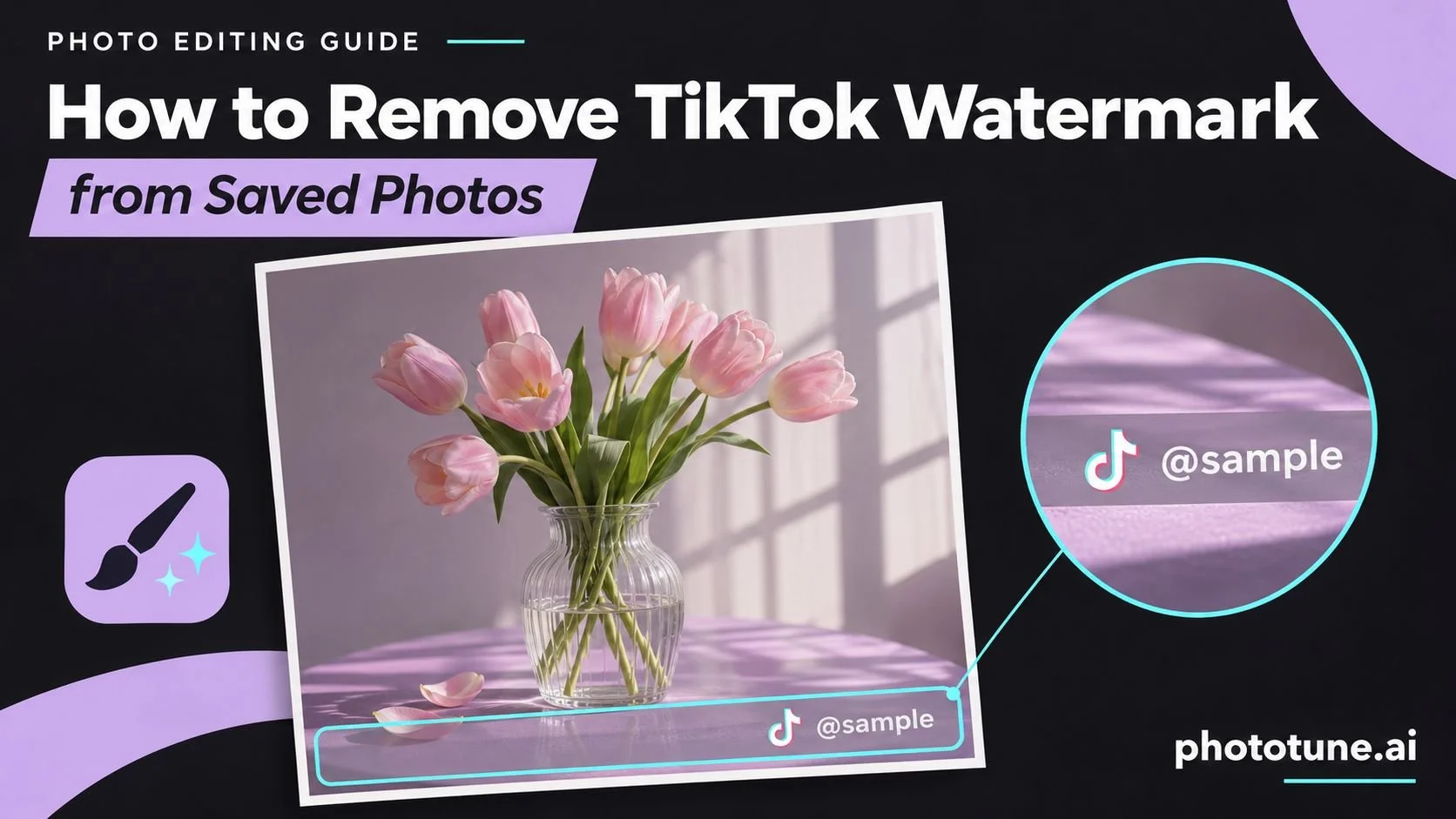
When you save a photo from TikTok — either a still from a post or a thumbnail from a video — the platform adds its watermark automatically: the TikTok logo alongside the creator's username, placed in a strip along the bottom of the image. This branding is added server-side before the file reaches your device, so there's no way to save without it at the point of download.
If you need a clean version of the image — for use in a presentation, a product listing, an editorial piece, or any other context where the platform watermark isn't appropriate — the solution is to remove it after saving. This guide covers exactly how TikTok watermarks work, what makes them straightforward to remove, and the step-by-step process for getting a clean result.
What TikTok Watermarks Look Like on Saved Images
TikTok applies a consistent watermark format to saved images and video stills. Understanding the layout helps predict how cleanly AI removal will handle it:
ElementPositionTypical SizeTikTok logo (white icon)Bottom-left of the stripSmall icon, ~40–60px at standard resolutionCreator username (@handle)Bottom strip, next to logoText string, length varies by usernameWhite or semi-transparent background stripBottom edge of imageFull-width strip, roughly 8–12% of image height
The key characteristic that makes TikTok watermarks easy to remove: they are confined to the bottom edge of the image, not overlaid across the main subject. The strip sits below or over a narrow band of the image, leaving the central content untouched. AI inpainting reconstructs the background behind the strip using context from adjacent pixels — for edge placements, this reconstruction is reliable.
Why AI Removal Works Well on TikTok Watermarks
AI watermark removal uses a technique called inpainting: rather than cloning nearby pixels or blurring the watermark area, the model analyzes the entire image and predicts what the background behind the watermark should look like. It uses texture, color, depth, and structural context to reconstruct the hidden area at pixel level.
TikTok watermarks are a good case for this approach for three reasons. First, the watermark is localized — it covers only the bottom strip, not the main subject. Second, the placement is predictable — the model knows exactly where to look. Third, the background behind a bottom-edge strip is typically simpler than the central subject: a continuation of a floor, ground, or background gradient rather than a face or complex object.
Using a remove watermark online free tool that applies AI inpainting handles TikTok watermarks automatically — no manual selection or brush work required for standard placements.
Step-by-Step: Removing the TikTok Watermark
Step 1 — Save the highest-quality version of the image available. If you have access to the original creator's content, request the source file. If you're working from a saved TikTok still, use the platform's built-in save function rather than a screenshot — screenshots add additional compression and may capture UI elements outside the image frame.
Step 2 — Upload the image to a watermark removal tool. Browser-based tools support JPG, PNG, and WEBP — no software installation required.
Step 3 — Run automatic detection. For TikTok's standard bottom-strip watermark, automatic AI detection identifies the watermark area and removes it without any manual input. The strip, the logo, and the username text are all detected as a single watermark element.
Step 4 — Check the result at the bottom edge. After removal, zoom into the area where the watermark strip was. The background should be continuous with the pixels above it — same color, texture, and tone. For images where the strip sat over a plain background (sky, floor, solid color), the reconstruction is virtually seamless.
Step 5 — Use manual brush if any traces remain. If the automatic pass left residual marks — a faint logo outline or a slight discoloration — paint precisely over the remaining area with the manual brush and reprocess. This is rare for standard TikTok watermarks but can occur with heavily compressed source images.
Step 6 — Download at full resolution. The output should match the original dimensions. Verify the file size is comparable to the input — a significantly smaller output suggests the tool delivered a compressed preview rather than the full-resolution result.
Common Variations and How They're Handled
Watermark VariationWhat to ExpectStandard bottom strip (logo + handle)Automatic detection handles this reliably — the most common caseLonger username textNo difference in removal quality — the strip width is fixed regardless of username lengthTikTok watermark on a screenshotScreenshot compression adds artifacts; removal works but result quality depends on source qualityMultiple saves/re-posts (double watermark)Two overlapping watermarks require manual brush to identify and remove all layersWatermark over a detailed backgroundRemoval still works; reconstruction quality depends on background complexity below the strip
Saving TikTok Images Without a Watermark: What's Possible
There's no built-in method in TikTok's app to save a photo without the platform watermark — it's added automatically on export. Third-party apps and browser extensions that claim to save 'watermark-free' are downloading the same watermarked file and removing it locally, which is the same process described in this guide.
The most reliable workflow remains: save the image through TikTok's standard save function (better quality than a screenshot), then remove the watermark with an AI tool. This produces a clean result at the best available source quality.
For TikTok images specifically, the fastest option is to use Phototune remove watermark online — automatic detection handles the bottom strip without any manual input, and the result is ready to download at full resolution. No account needed. The same Phototune remove watermark online workflow works for handle watermarks from Instagram, Pinterest, and other platforms.
Rights and Usage Note
Removing the TikTok watermark from an image you don't own the rights to doesn't change the copyright status of that image. The watermark removal is a technical process; whether you're authorized to use the resulting image for your purpose is a separate question that depends on the creator's rights and any applicable platform terms. Always ensure you have the appropriate license or permission before using creator content commercially.