

Chrome is where most of us spend our online time. We use the same browser for searching, shopping, streaming, and working, all day. That's why people often opt for a VPN extension for fast and easy privacy. But not all extensions are created equal. Here are some points to consider before you click Add to Chrome.
What a Chrome VPN Extension Actually Does
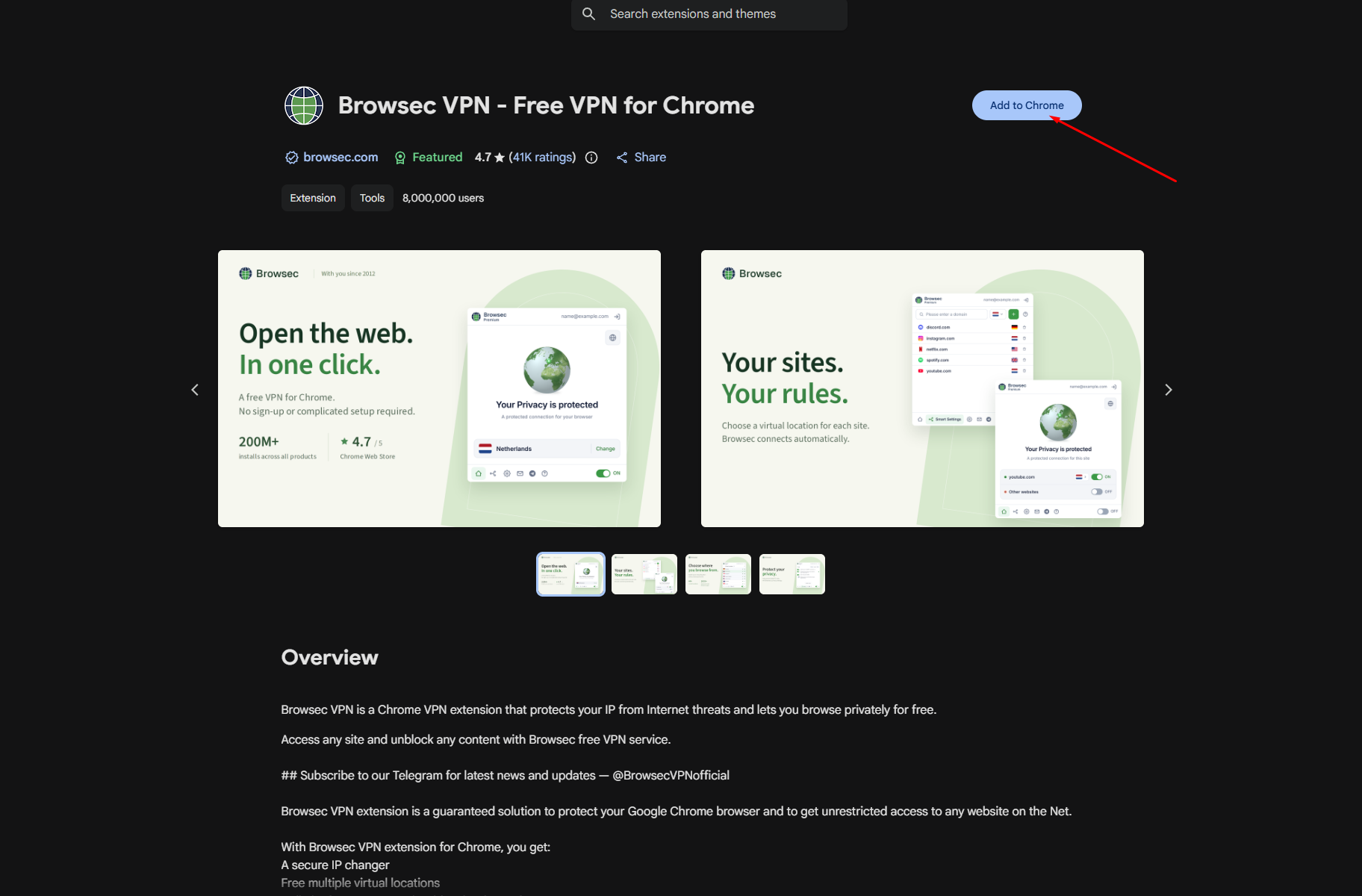
A VPN extension sends your browser traffic through a secure server in another location. Websites after that then see the IP address of the server, and they are encrypted in the process. This is useful to keep you private when using public Wi-Fi and access blocked networks. This helps to keep your activity hidden from the WiFi owner in cafes, airports, and hotels. Many people want a VPN for Chrome browser sessions they can rely on, and an extension fits that need because it installs in seconds and runs quietly in the background. Browsec is one example, with about 8 million users and a 4.7 rating on the Chrome Web Store.
Extension or Full App?
Knowing what an extension can and cannot do will help. Only traffic on the same browser is protected by a Chrome extension. Other apps on your computer, such as games or email programs, will not be covered. Most of the time, an extension will suffice if you spend a lot of your time in Chrome. Extensions are also lighter than apps, and therefore won't slow down your computer as often. If you want every app protected, look for a desktop app as well.
Check the Privacy Policy and Permissions
A VPN will see your traffic; hence, you must trust the company behind the VPN. Go to the extension page of the Chrome Web Store and view the privacy section. It informs you about the information collected and whether it is sold to third parties. Look for a clear statement that your data is not sold. Look at the permissions the extension requests and the last update date. If an extension is requesting too much access, then pass it up. Badges such as Featured or a good publisher record are helpful signs. Be careful with unknown extensions that promise everything for free with no details.
Speed, Servers, and Free vs Premium
Using a VPN will increase the number of steps in your connection, which is normal, as there will be some slowdown. Good servers have it on a small scale. Look for the number of countries, as there is more choice if there are more locations. Free plans are great for testing and light use. Premium plans typically have more servers and higher speeds. For instance, Browsec provides free servers, and Premium provides servers in over 40 countries and speeds up to 100 Mbit. Do go with the free version first and only upgrade if you require more. The user reviews on the latest posts can also tell you how stable the connection really is.
Setup and Everyday Use
Installing is easy. Go to the Chrome Web Store, type in the name of the extension, and click Add to Chrome. Then open it with the puzzle icon in the toolbar, select Protect me, and choose a location. Save it in your bookmarks bar for easy access to switching it on or off. Some extensions also allow you to configure smart rules, meaning that some sites connect to the VPN and others connect normally. It can be helpful for banking sites that aren't fans of VPNs. If there is no connection, try connecting to a different server and then reconnect.
Smart Habits After Installing
Using a VPN is a useful feature, but one that is not magical. It cannot prevent phishing emails, or even prevent you from downloading malicious files. Maintain Chrome and extensions up to date, make strong passwords, and don't click on weird links. Unplug any extensions you no longer need, and once you connect to a VPN, find out what your IP address is. Finally, follow the laws and service rules in your country.
Conclusion
One of the easiest ways to enhance privacy in Chrome is to install a VPN extension. Simply read the privacy information, examine the permissions, and select the plan that will best suit your requirements. Do that, and you can browse with more confidence every day.